











On the d3VIEW platform, there are many export options to manually export output datasets. Now, a new support is added to automatically export Workflow worker dataset output to Excel file upon execution.
Export Dataset Within the Same Worker
When a worker has a dataset output, we can configure the worker to export this dataset automatically.
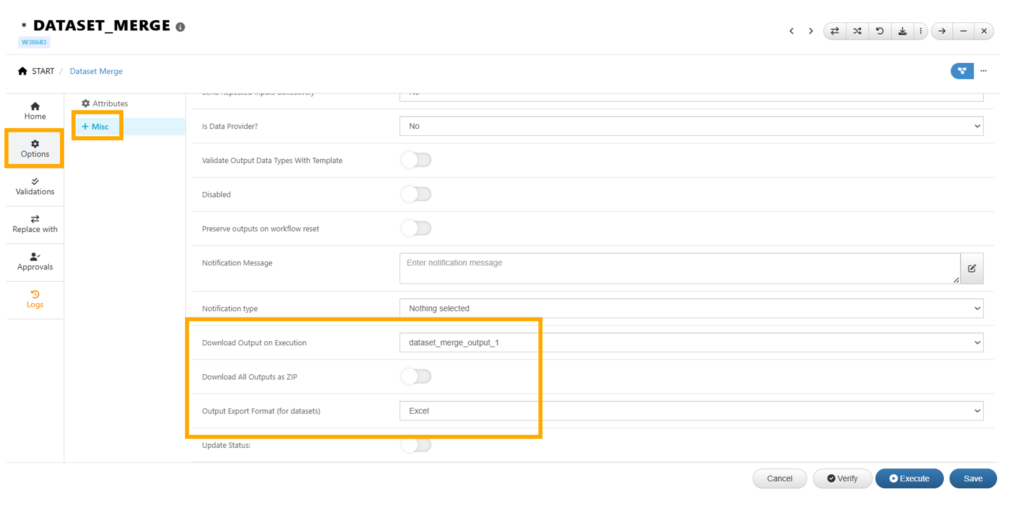
When the worker is executed, a dataset file with selected format will be exported.
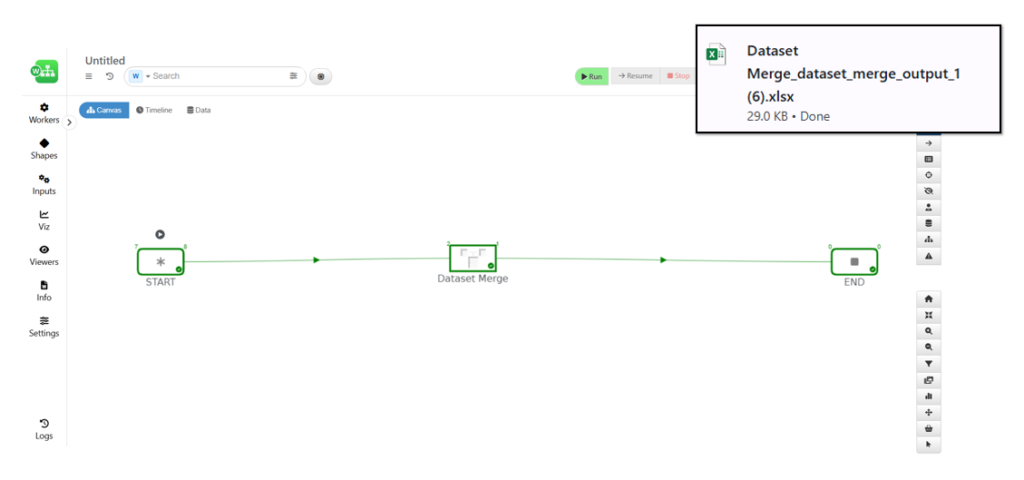
Export Dataset with Dataset Exporter
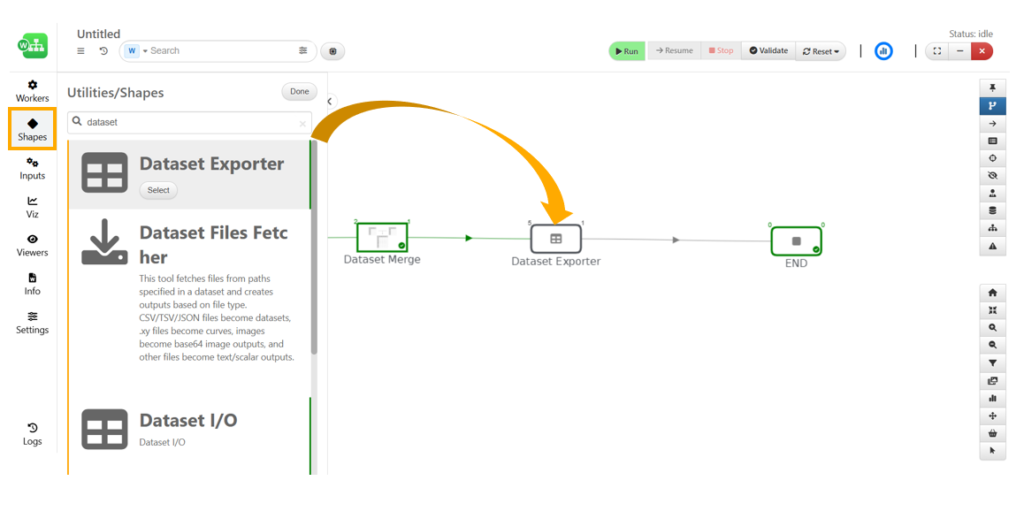
Dataset exporter exports dataset into a data file on users’ device. It has the option to rename the exported file. We can find this worker from the “Shapes” section (Fig 1).
By chaining some workers together, we can customize the name of the file we are exporting.
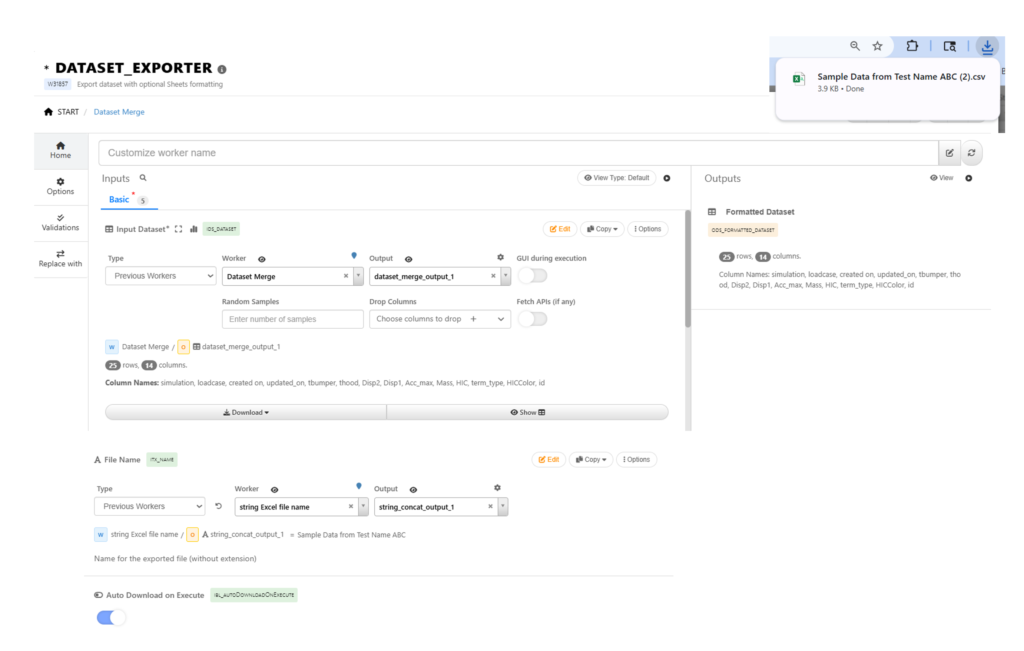
With this new worker, we can automate exporting workflow output. This is particularly useful when we need to run the workflow for a long period of time and we don’t want to wait in front of the computer to manually export the dataset.